The problem
Municipal websites grow the way towns do: one page at a time, written by different offices in different years. The goal here was for every page to answer the same questions in the same places: what this office does, what you can do today, which forms you need and whom to call.
The constraints
- The system stays. The website runs on a hosted government content management system that staff edit in a browser. Replacing it wasn’t on the table, so every page had to be a self-contained block that works inside the existing template without affecting any other page.
- Staff edit after him. People who don’t write code have to be able to change text, links and dates once a page is built.
- Everyone has to be able to use it. Every page needs keyboard access, visible focus, good color contrast, a phone layout and a structure screen readers can follow.
What he did
- Designed one page system. A shared layout, type scale, color ramp and set of parts (cards, panels, buttons, fee tables, contact blocks). Someone who has used one page finds the same things in the same places on every other.
- Rebuilt the pages on it. From the Planning Board and the Environmental Commission to public works, finance and public records.
- Wrote down the rules. Every page follows the same five content rules, listed below.
- Built the structure for a trilingual Elections page. English, Spanish and Korean editions, with a legal review and a review by fluent speakers required before publication.
- Wrote a plain-language editing guide. With it, staff make routine changes without touching the layout.
Selected live examples
Three captures of content inside the Borough’s existing website, taken on September 29, 2026.
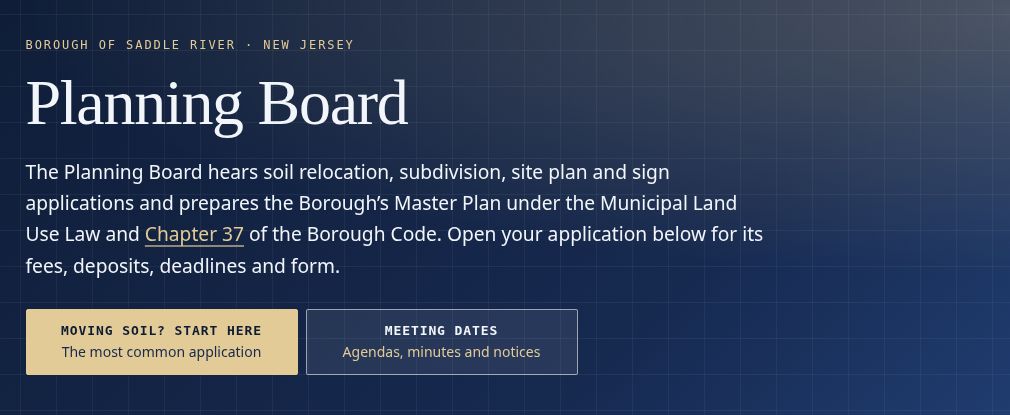
Planning Board. The most common application gets the primary action, with a separate entry point for meeting dates and records.
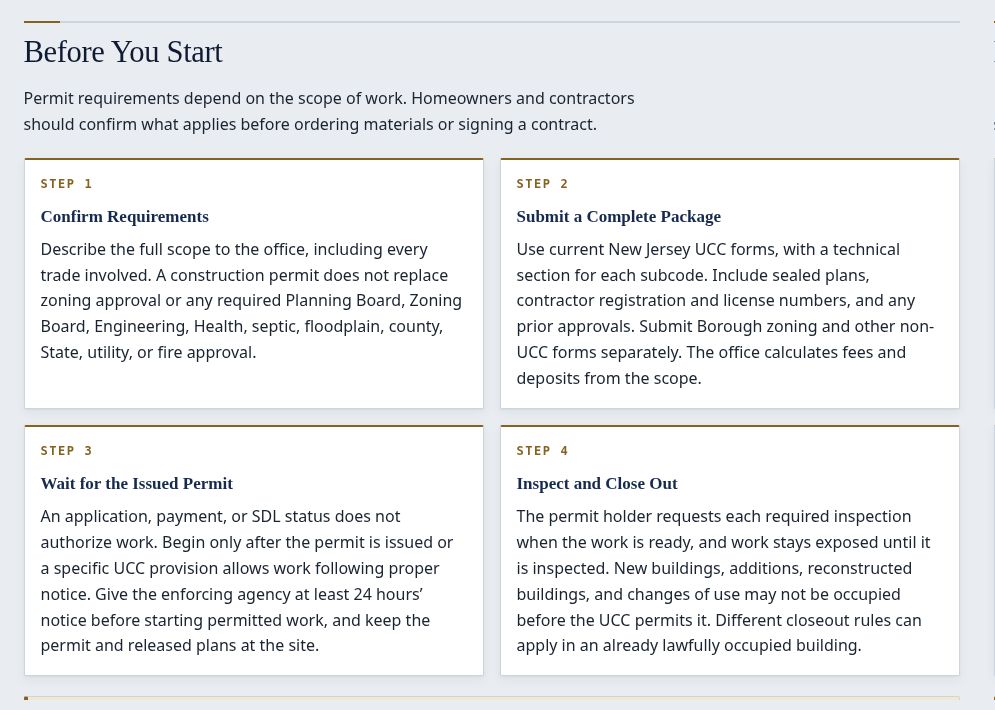
Construction. A four-step sequence puts requirements, filing, permit issuance and closeout in the order a project follows.
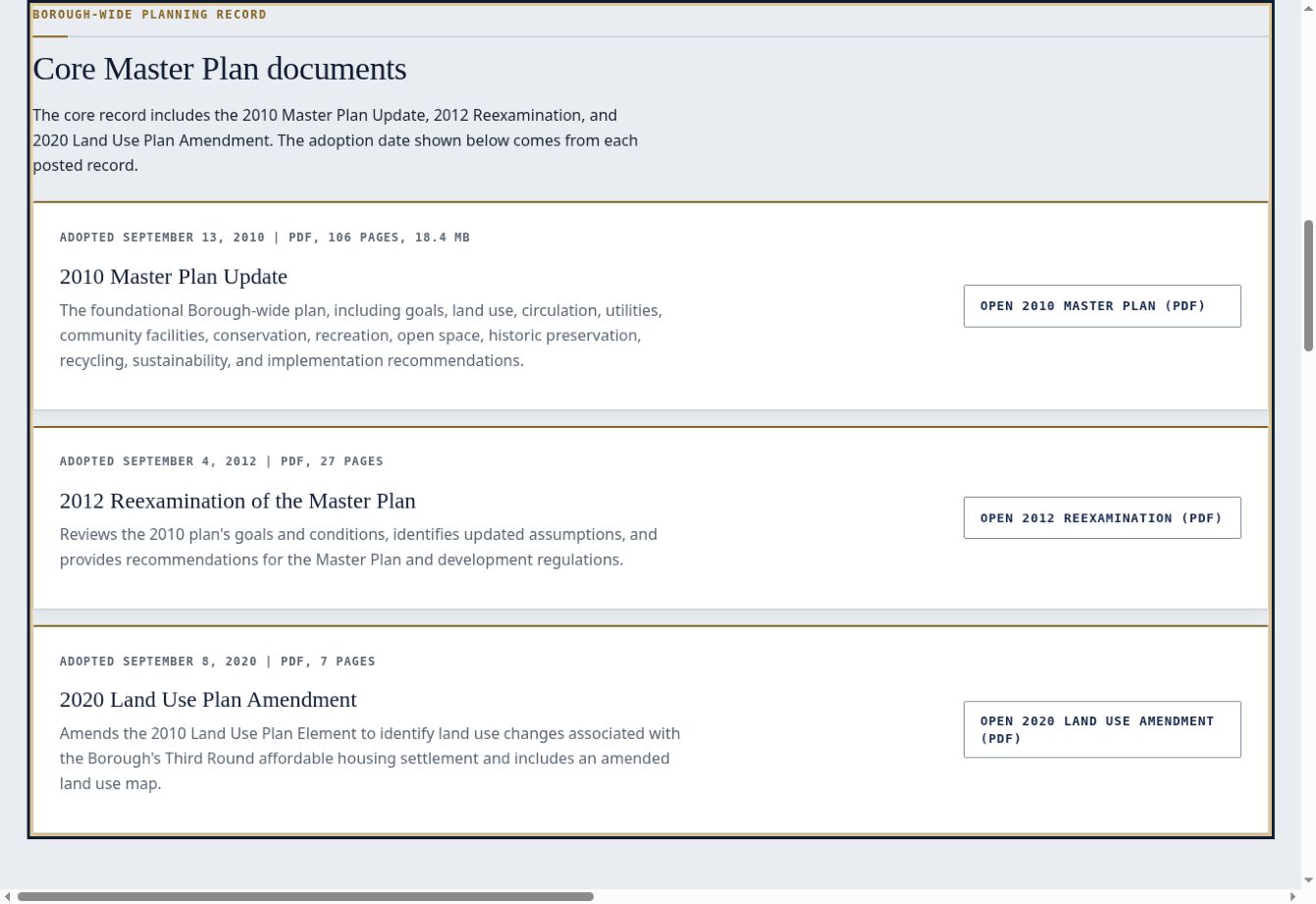
Master Plan. Adoption dates, short descriptions and direct document links keep the plan, reexamination and amendment together.
The content rules
Most of these rules are about what to leave off a page.
- Make forms direct downloads. A page never tells a resident to call or email for a form.
- State each fact once, where it belongs on the page. A phone number repeated in three places will eventually be wrong in one of them.
- Write to the people the office serves. Pages speak to residents, and to contractors or applicants where that applies, not to staff about maintaining the page.
- Point to the source that maintains a rule. Where the County or the State publishes and updates a requirement, the page links to it instead of restating it.
- Publish what’s required and what’s useful, and no more. Less copy means less that can go out of date.
The result
One page system, used across more than two dozen rebuilt pages, with a staff guide for routine edits. Phone layouts, keyboard access, color contrast and screen-reader structure informed the design and accessibility review.
Use the municipal website page review checklist to apply these content rules to another page.